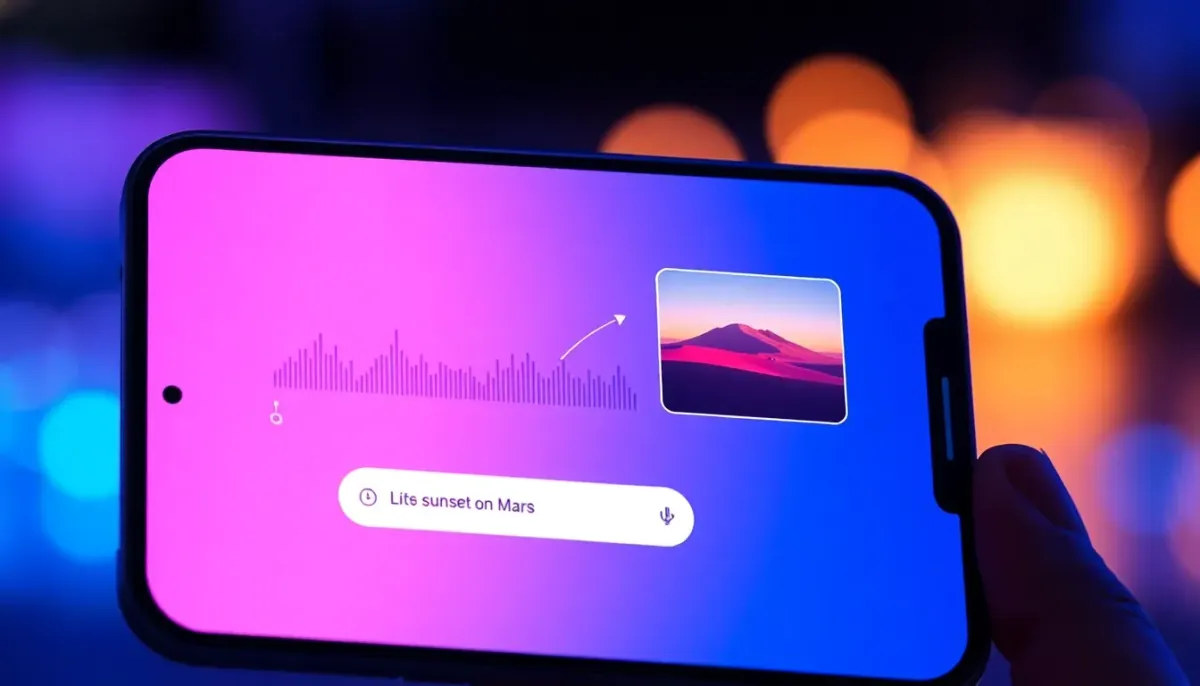
Gemini can now create music with Lyria 3
- Türker Şentürk
- AI
- 18 Feb, 2026
- 10 min read
A New Way to Express Yourself: How Google’s Gemini App Is Turning Text and Photos into 30‑Second Songs
When I first tried to make a mixtape for a friend back in the early 2000s, I spent an afternoon hunting for the perfect CD‑burning software, ripping tracks, and then—the worst part—writing a handwritten note on the back cover. Fast forward to 2026, and you can generate a brand‑new, custom‑made song in the time it takes to brew a cup of coffee, all from a single line of text or a snapshot of your dog on a hike.
That’s the promise of Lyria 3, the latest generative‑music model from Google DeepMind, now baked into the Gemini app. In beta today, it lets anyone—no formal music training required—type or upload an image and walk away with a polished, 30‑second track, complete with lyrics, vocals, and a cover art thumbnail generated by another AI, NanoBanana.
Below, I’ll walk you through what Lyria 3 can do, how it works (in plain English), why Google is so careful about copyright and AI‑generated content, and what this could mean for creators, marketers, and anyone who’s ever wanted a soundtrack for a meme.
From “Can AI Write a Song?” to “Here’s My Theme Song”
The idea of AI‑generated music isn’t new. Early experiments from the 2010s could produce simple piano loops, and by 2023 Google’s first Lyria model was already able to spin short instrumental pieces. What makes Lyria 3 feel different isn’t just the higher fidelity; it’s the creative agency it hands to the user.
| What’s new in Lyria 3 | Why it matters |
|---|---|
| No‑lyrics required – the model writes lyrics based on your prompt. | You can ask for “a comical R&B slow‑jam about a sock finding its match” and get a full vocal line without typing a single word of rhyme. |
| Fine‑grained style control – choose genre, tempo, vocal timbre, even mood descriptors. | The same prompt can be rendered as a lo‑fi chill beat or a high‑energy pop anthem with a single toggle. |
| Image‑to‑audio translation – upload a photo or short video and let the AI interpret the visual mood into music. | Suddenly a family photo album can double as a personal soundtrack, or a product demo can have a bespoke jingle generated on the fly. |
Google’s blog post about the rollout makes it clear: the goal isn’t to replace professional composers, but to give everyday people a fun, low‑effort way to add a musical layer to their ideas【1†source】. Think of it as the “Snapchat filter” of music—instant, shareable, and just quirky enough to spark conversation.
How It Works (Without the Math)
If you’ve ever used a text‑to‑image generator like DALL‑E or Stable Diffusion, you already have the mental model for Lyria 3. You feed it a prompt; the model predicts the next piece of data (in this case, audio samples) that best matches the description.
- Prompt ingestion – The app parses your natural‑language request. It looks for keywords that map to musical attributes (genre, tempo, instrumentation).
- Conditioning on visual input – If you upload an image, a separate vision encoder extracts mood cues (color palette, objects, facial expressions) and feeds them into the music generator.
- Lyric generation – A language model drafts lyrics that align with the requested theme, avoiding direct imitation of any specific artist (more on that later).
- Audio synthesis – Lyria 3 stitches together vocal tracks, instrumental stems, and mixing decisions, producing a 30‑second stereo file.
- Cover art creation – NanoBanana, another generative model, paints a thumbnail that matches the song’s vibe.
All of this happens on Google’s cloud infrastructure, so the heavy lifting is done server‑side. Your phone or laptop just sends the request and receives the finished MP3 (or WAV) plus the artwork.
Hands‑On: Three Real‑World Use Cases
1. The “Inside‑Joke” Jingle
Prompt: “Create a goofy R&B slow‑jam about a sock that finally finds its match.”
Result: A 30‑second track with a smooth bass line, a playful vocal hook (“When the cotton meets the cotton, we’re finally one”), and a cartoonish cover of two socks holding hands.
Why it’s cool: You can drop this into a Slack channel for a light‑hearted team celebration or embed it in a birthday e‑card. No need to hire a jingle writer for a one‑off gag.
2. Personal Memory Capsule
Prompt: “I’m feeling nostalgic. Make a fun afrobeat tribute to my mother’s home‑cooked plantains, with an African vibe.”
Result: A bright, percussive beat with a call‑and‑response vocal that references “plantains” and “home cooking.” The cover art is a stylized illustration of a kitchen scene.
Why it’s cool: This is the kind of personalized audio you could attach to a digital photo album, turning a static slideshow into a multisensory experience.
3. Visual‑Storytelling for Brands
A small outdoor‑gear startup uploads a short video of a hiker crossing a misty ridge. Lyria 3 returns a cinematic, instrumental track with a soaring synth line that mirrors the visual’s pacing, plus a short lyrical hook (“Rise above the clouds”).
Why it’s cool: Marketers can generate royalty‑free background music that feels tailor‑made for each product demo, cutting down on licensing fees and turnaround time.
The Ethics & Safeguards Behind the Beats
Google is not shy about the responsible AI angle. Since the original Lyria launch in 2023, they’ve been working with musicians, copyright experts, and the broader music community to avoid the pitfalls that have plagued earlier AI‑generated content.
No Direct Imitation
If you name a specific artist in your prompt—say, “Write a Taylor Swift‑style breakup song”—the model treats that as a stylistic inspiration rather than a direct copy. It will generate a track that shares the feel of Swift’s pop‑country blend without lifting melodies or lyrical phrasing. Google’s internal filters compare outputs against a massive database of copyrighted works to catch inadvertent similarity【2†source】.
SynthID Watermark
Every track generated by Lyria 3 carries an imperceptible digital watermark called SynthID. This allows anyone—including platforms like YouTube—to verify whether a piece of audio was AI‑generated. The Gemini app even lets you upload a file and ask, “Did Google AI make this?” The system scans for SynthID and returns a confidence score【3†source】.
Reporting & Moderation
If a user believes a generated track infringes on their rights, they can file a report directly in the app. Google promises to review and, if necessary, remove the offending content. The Terms of Service and Generative AI Use Policy explicitly forbid using the tool for plagiarism, deep‑fake audio, or any illegal activity【4†source】.
Who Should Care?
Creators & Influencers
Short‑form video creators on YouTube Shorts, TikTok, or Instagram Reels can now produce custom soundtracks without worrying about copyright strikes. The “Dream Track” integration already rolls out to U.S. creators, letting them swap the default royalty‑free music for a Lyria‑generated piece that matches their visual narrative.
Small Businesses
A boutique coffee shop could generate a looping, 30‑second jingle that reflects its seasonal menu (“Pumpkin spice latte, smooth jazz vibe”) and play it in‑store. No licensing headaches, just a quick text prompt.
Hobbyists & Educators
Music teachers can demonstrate composition concepts by having students type a prompt (“Write a 4‑measure bar in D minor with a melancholy feel”) and instantly hear the result. It’s a sandbox for exploring harmony, rhythm, and lyrical storytelling.
Limitations: What Lyria 3 Can’t (—and Won’t) Do
- Length – The model is capped at 30 seconds. While great for intros, ads, or social clips, it’s not a substitute for full‑song production.
- Instrumental fidelity – The generated instruments sound polished but still have a synthetic sheen. If you need a live‑recorded guitar solo, you’ll have to bring in a musician.
- Cultural nuance – Although Lyria 3 supports eight languages and a growing list of musical styles, it can sometimes misinterpret region‑specific idioms or genre conventions.
Google acknowledges these gaps and says they’re working on “long‑form music generation” and deeper cultural datasets for future releases【5†source】.
The Bigger Picture: AI as a Creative Partner
When I first saw an AI‑generated painting that looked like a Van Gogh, I felt a mix of awe and unease. Was the soul of art being outsourced to a server farm? The same question now surfaces with music.
My take? AI isn’t stealing the spotlight; it’s expanding the stage. Lyria 3 lowers the barrier to entry, letting people who never picked up a guitar or learned music theory experiment with sound. It also forces professional musicians to think about what they do that AI can’t—the human storytelling, the lived experience, the imperfect performance that makes a song feel alive.
In the words of Joël Yawili, Senior Product Manager for the Gemini app, “Our goal is to help you add a fun, custom soundtrack to your daily life.” That’s a modest ambition, and it feels genuine. If you’re skeptical, try it yourself: go to gemini.google.com/music, type a prompt, and listen. You’ll quickly see that the novelty wears off not because the tech is a gimmick, but because the real value lies in the ideas you feed it.
Getting Started (Step‑by‑Step)
- Open the Gemini app (desktop version is available now; mobile rolls out over the next few days).
- Tap “Create Music” – you’ll see two input boxes: one for text, one for uploading an image/video.
- Enter your prompt – be as specific or as vague as you like. “Epic fantasy battle theme” works, but “Battle theme with Celtic flutes and thunderous drums, for a dragon‑fighting scene” gives you tighter control.
- Choose language – Lyria 3 currently supports English, German, Spanish, French, Hindi, Japanese, Korean, and Portuguese.
- Hit “Generate” – within seconds you’ll get a 30‑second audio file, a cover thumbnail, and a “Share” link that embeds a SynthID verification button.
- Download or share – you can export the MP3, copy the link, or post directly to social platforms from the app.
Pro users (Google AI Plus, Pro, and Ultra) enjoy higher generation limits and priority access during peak times.
The Road Ahead
Google isn’t stopping at 30‑second tracks. Their roadmap hints at long‑form composition, real‑time collaborative jamming, and deeper integration with other Google services (think auto‑scoring for Google Slides presentations).
Meanwhile, the broader AI‑music community is watching closely. Competitors like OpenAI’s Jukebox and Meta’s AudioCraft are also pushing the envelope, but Google’s advantage lies in the ecosystem—Gemini already handles text, image, video, and now audio generation under one roof.
If you’re a developer, the underlying Lyria 3 model is still closed‑source, but Google has opened an API for beta partners. Expect third‑party apps to start surfacing soon, offering niche features like “AI‑generated karaoke tracks” or “personalized meditation soundscapes.”
Bottom Line
Lyria 3 turns the Gemini app into a musical sketchpad. It’s not a replacement for a seasoned composer, but it’s a delightful, responsible, and surprisingly capable tool for anyone who wants a quick soundtrack for a meme, a memory, or a marketing hook.
Give it a spin, keep an eye on the SynthID watermark, and remember: the best AI‑generated songs are the ones that spark your own creativity—not the ones that try to replace it.
Sources
- Google Blog – Gemini app now features our most advanced music generation model Lyria 3 (Feb 18 2026). https://blog.google/innovation-and-ai/products/gemini-app/lyria-3/
- DeepMind – Lyria model page (technical overview). https://deepmind.google/models/lyria/
- DeepMind – SynthID: Imperceptible watermark for AI‑generated content. https://deepmind.google/models/synthid/
- Google Policies – Generative AI Use Policy & Terms of Service. https://policies.google.com/terms/generative-ai/use-policy
- Google Blog – Responsible AI progress report 2026 (future roadmap). https://blog.google/innovation-and-ai/products/responsible-ai-2026-report-ongoing-work/
- YouTube Support – Dream Track for Shorts creators. https://support.google.com/youtube/answer/14151606?hl=en
Share :
Stay Ahead in Tech
Join thousands of developers and tech enthusiasts. Get our top stories delivered safely to your inbox every week.
No spam. Unsubscribe at any time.